
Die Carz 2.0 Is Here: Dark Theme, Grid View, Pre-orders, and More
Die Carz 2.0 is here with a major redesign and powerful new features

The biggest Die Carz update yet is live on the App Store and Google Play, and it’s a full overhaul. New design, new features, and a handful of things the community has been asking for since day one.
Whether you collect Hot Wheels, Matchbox, Mini GT, Kaido House, Majorette, PopRace, this update delivers powerful new tools designed specifically for collectors.
A Completely Redesigned Diecast Collection App
Over the past year, thousands of collectors have shared feedback on how Die Carz app could improve. The result is a completely redesigned interface that puts your collection front and center.
The new design focuses on:
- Faster navigation
- Improved collection management
- Better garage organization
- Enhanced collector experience
- Cleaner visual presentation
With Die Carz 2.0, every interaction has been refined to make managing your diecast car collection easier and more enjoyable. We’ve also officially completed our transition to the new Die Carz logo, marking the beginning of a new chapter for the platform.
Dark Theme Finally Arrives
One of the most requested features on our public roadmap has finally arrived.
Collectors can now choose between:
- Light Theme
- Dark Theme
- System Default Theme
Dark mode not only looks fantastic but also makes browsing large collections more comfortable during nighttime collecting sessions.
“Users spend most of their time looking at content, not interfaces.”
Source: Jakob Nielsen's 10 general principles for interaction design
Grid View: See More Cars at Once
“We want to see more cars on a single screen.”
Source: Die Carz Feedback
We listened.
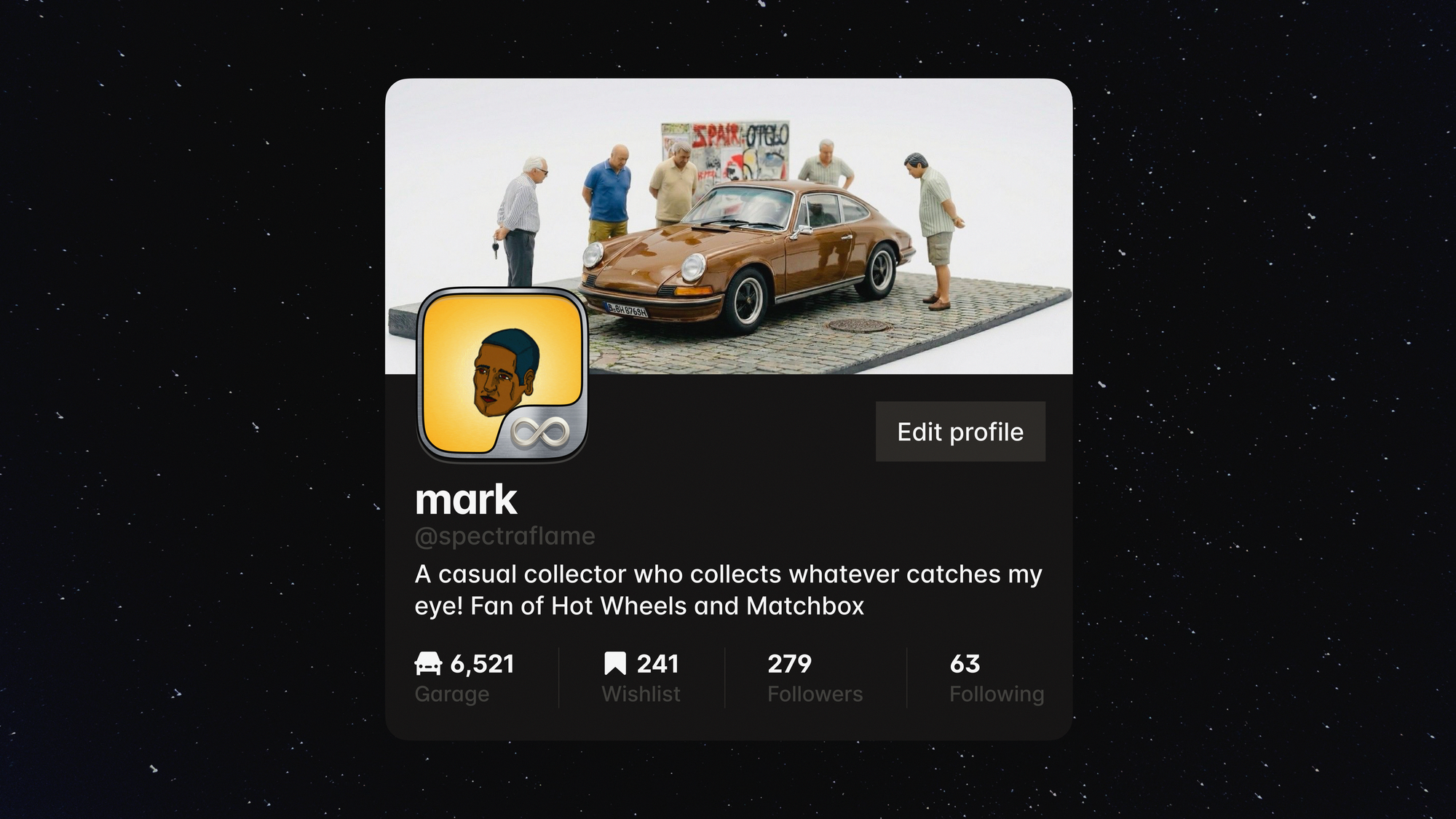
The new Grid View redesign allows collectors to view approximately twice as many vehicles in their garage compared to the previous layout.
Benefits include:
- Faster browsing
- Better collection overview
- Easier duplicate detection
- Improved inventory management
- Enhanced visual organization
For collectors with hundreds or even thousands of diecast cars, Grid View is a game changer.
Pre-Order Tracking for Modern Collectors
The diecast hobby has evolved significantly over the last few years.
Brands such as Hot Wheels, Mini GT and Kaido House regularly release highly anticipated pre-order models months before delivery. To help collectors stay organized, Die Carz now includes a dedicated Pre-Order Management System.
How It Works
When adding a car to your collection:
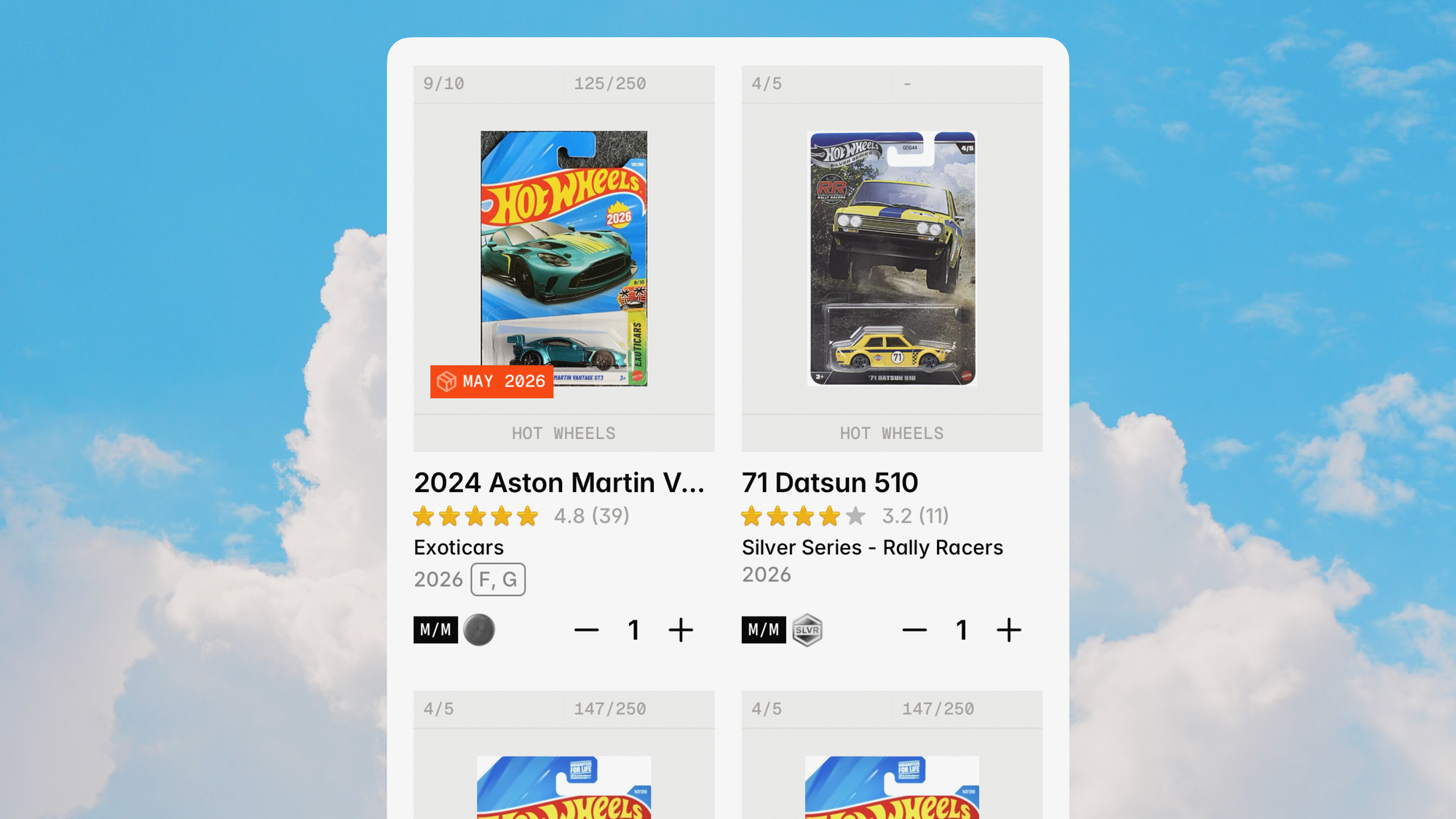
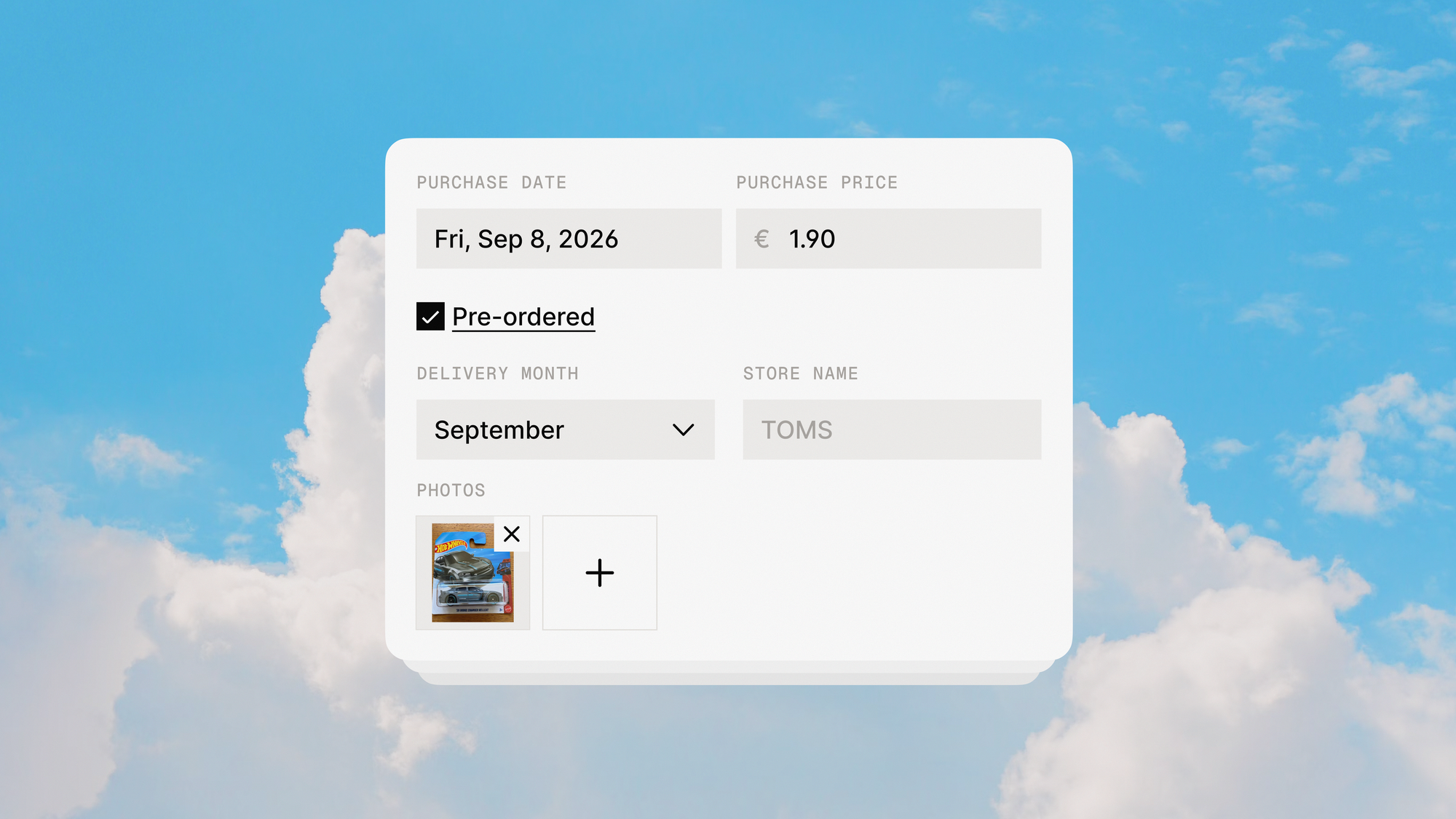
- Select “Pre-order” as the condition.
- Enter the expected arrival month and year.
- Add the retailer or shop where you placed the order.
Your pre-orders will automatically appear in a dedicated section of your garage. At the end of the estimated delivery month, Die Carz will send a reminder asking whether the model has arrived. If it hasn’t arrived yet, you can simply update the delivery date. If it has arrived, the model will be automatically added to your collection.
Upload Photos of Your Own Cars
Every collector knows that no two cars are exactly the same. Now you can upload up to 10 photos of your specific diecast model directly into your garage.
This feature allows collectors to:
- Showcase rare variations
- Document custom builds
- Share factory errors
- Display collection details
Other collectors can also view your uploaded photos through your profile and posts, creating a more engaging community experience.
Error and Custom Labels
The diecast collecting hobby isn’t just about stock releases anymore.
Many collectors actively hunt:
- Factory errors
- Production variations
- Custom builds
- Wheel swaps
- Custom paint projects
To better support these niches, Die Carz 2.0 introduces dedicated Error and Custom labels. Collectors can now quickly identify special pieces within their collection and prepare for even more advanced filtering options coming in future updates.
This feature makes Die Carz app one of the most collector-focused diecast inventory apps available today.
Personalized Profile Covers
Your collection is unique. Now your profile can be too.
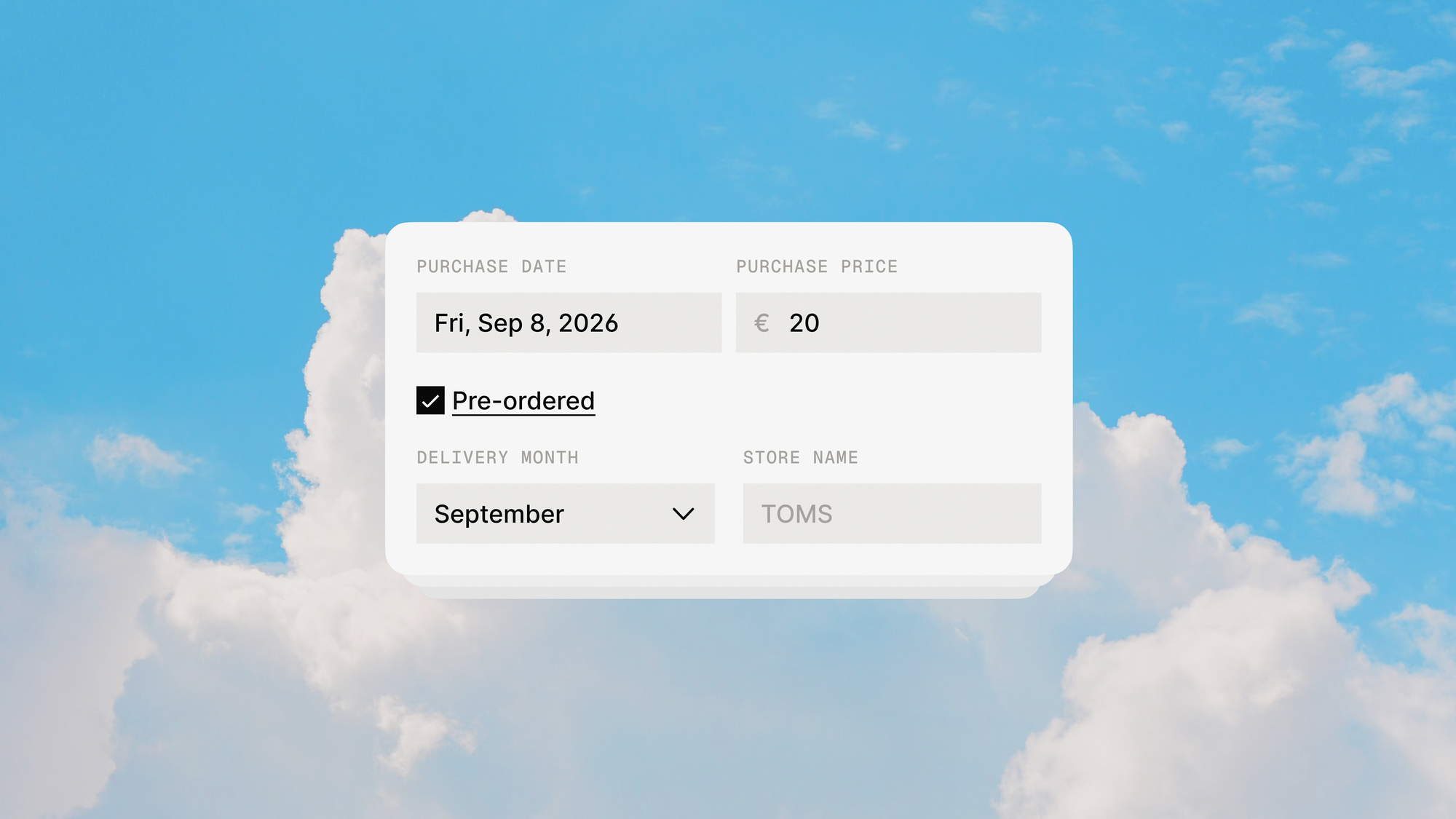
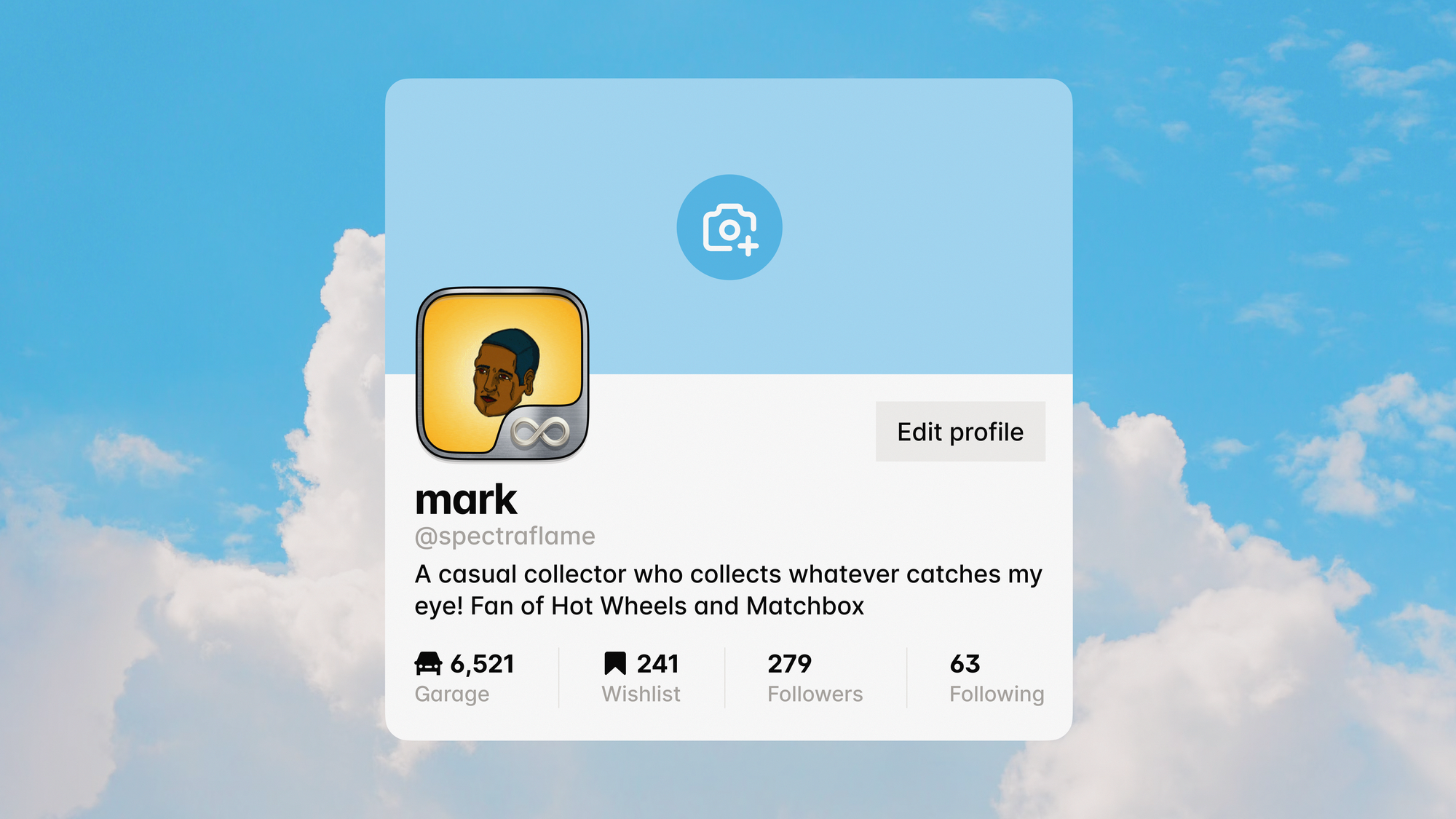
In addition to profile avatars, collectors can now personalize their profiles with custom garage cover photos displayed at the top of their garage.
Why This Update Matters for Diecast Collectors
The diecast collecting hobby continues to grow worldwide.
As collections become larger and more valuable, collectors need better tools for:
- Collection tracking
- Inventory management
- Pre-order monitoring
- Collection sharing
- Community engagement
Die Carz 2.0 was built specifically to solve these challenges while maintaining a collector-first approach.
What’s Next?
Die Carz 2.0 is just the beginning. More features and brands are already on the way, including Majorette.
We’d love your input, visit our Public Roadmap to vote on upcoming features or suggest new ideas. Your feedback helps shape the future of Die Carz app.
FAQ Section (SEO Optimized)
1. What is new in Die Carz 2.0 app?
Die Carz 2.0 introduces a new design, Dark Theme, Grid View, Pre-Order tracking, Error & Custom labels, Garage Photos, and Profile Covers.
2. How does Pre-Order tracking work in Die Carz?
You can mark a car as a pre-order, set an estimated arrival date, and Die Carz app will notify you when the delivery month ends so you can confirm or update it.
3. Can I upload photos of my diecast cars?
Yes. You can upload up to 10 photos per car to showcase your collection in detail.
4. What is Grid View in Die Carz?
Grid View lets you see more cars at once in your garage, making collection browsing faster and more efficient.
5. What are Error and Custom labels?
These labels allow collectors to mark factory errors and custom-built diecast cars, with more filtering options coming soon.
6. Where can I vote for new features?
You can visit the Die Carz Public Roadmap to vote on upcoming features and suggest improvements.