
Introducing Car Scanner: Snap, Identify & Catalog Diecast Cars
Identify diecast cars from a photo and instantly add them to your Die Carz collection or wishlist

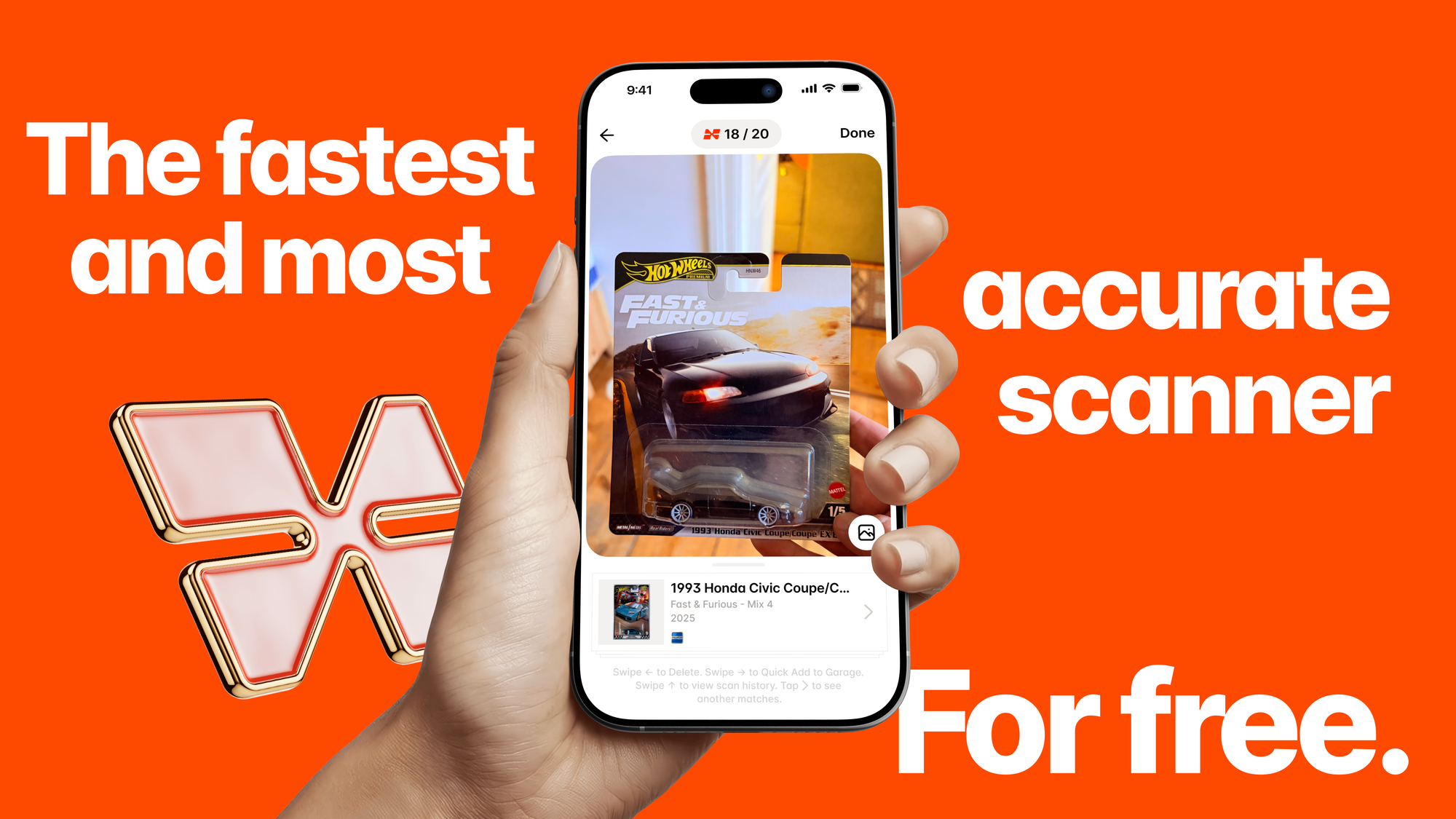
We're excited to introduce the biggest innovation in the Die Carz app yet — Car Scanner.
Designed specifically for diecast collectors, Car Scanner transforms the way you build and manage your collection. Whether you're browsing a store, attending a collector event, or organizing your garage at home, adding new models has never been easier.
Meet Car Scanner
Finding and cataloging diecast cars has always taken time. Now, all it takes is a photo.
Simply point your camera at a diecast model, and the Die Carz app will identify it in seconds. Once recognized, you can instantly add it to your collection or wishlist without manually searching the catalog.
Alongside Car Scanner, this update also introduces Batch Scanning, faster ways to launch the scanner, and a new referral program that lets you unlock unlimited monthly scans by inviting friends.
Powered by Argos AI
Behind Car Scanner is Argos, Die Carz's proprietary AI model built exclusively for diecast cars.
Unlike general image recognition tools, Argos has been trained specifically to recognize scale models and continuously improves as new models are added to the catalog.
“We built Argos with one goal: make identifying diecast cars as simple as taking a photo.”
Source: Die Carz Team
Just as important, your privacy comes first. All scanned images are processed and stored securely on Die Carz servers. Your photos are never sold or shared with third parties.
Scan Multiple Cars with Batch Scanning
One car is nice. An entire collection is even better!
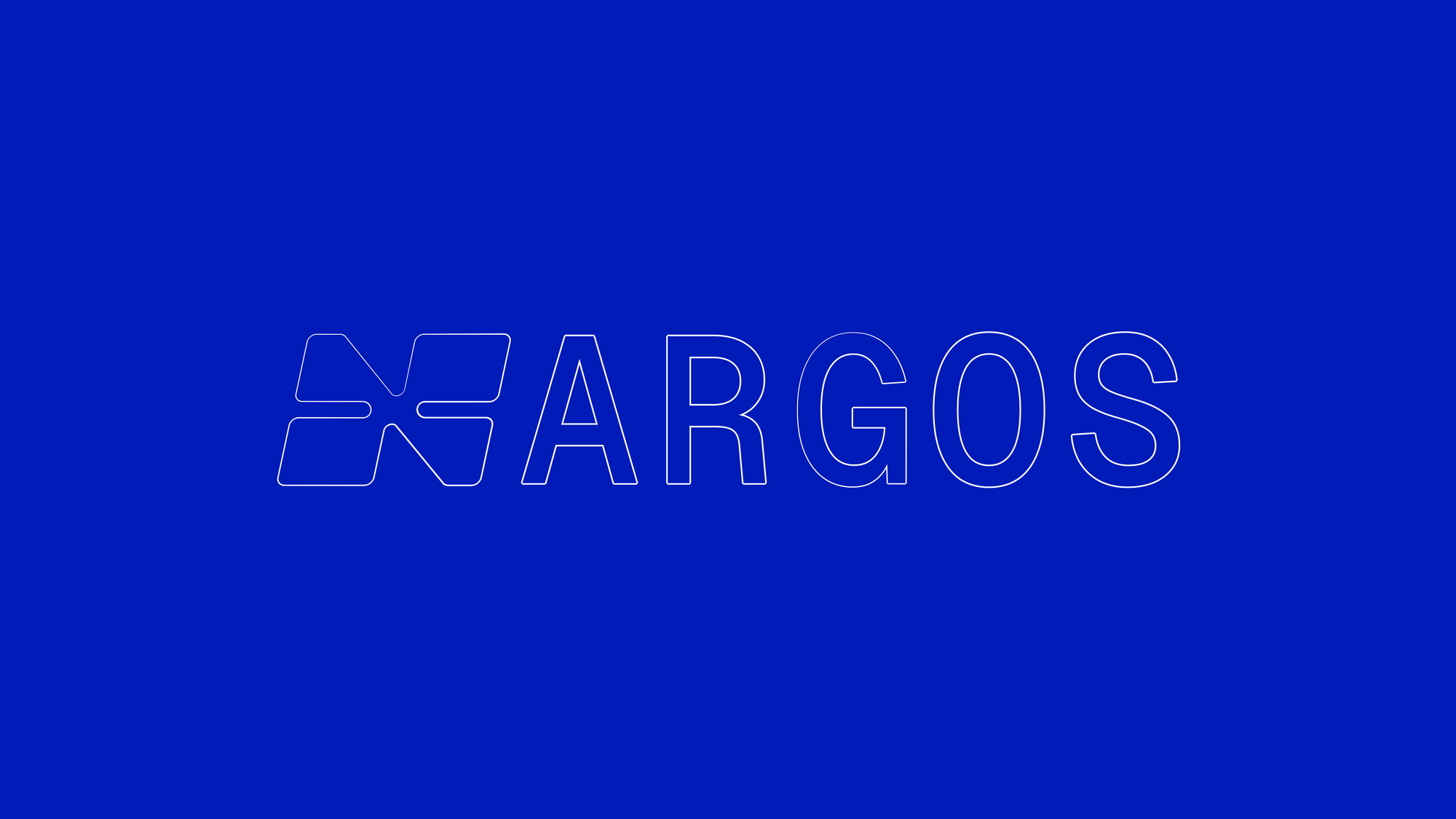
With Batch Scanning, you no longer need to wait for one model to finish scanning before photographing the next. Simply keep scanning your lineup, then review all recognized models together when you're finished.
Launch the Scanner in Seconds
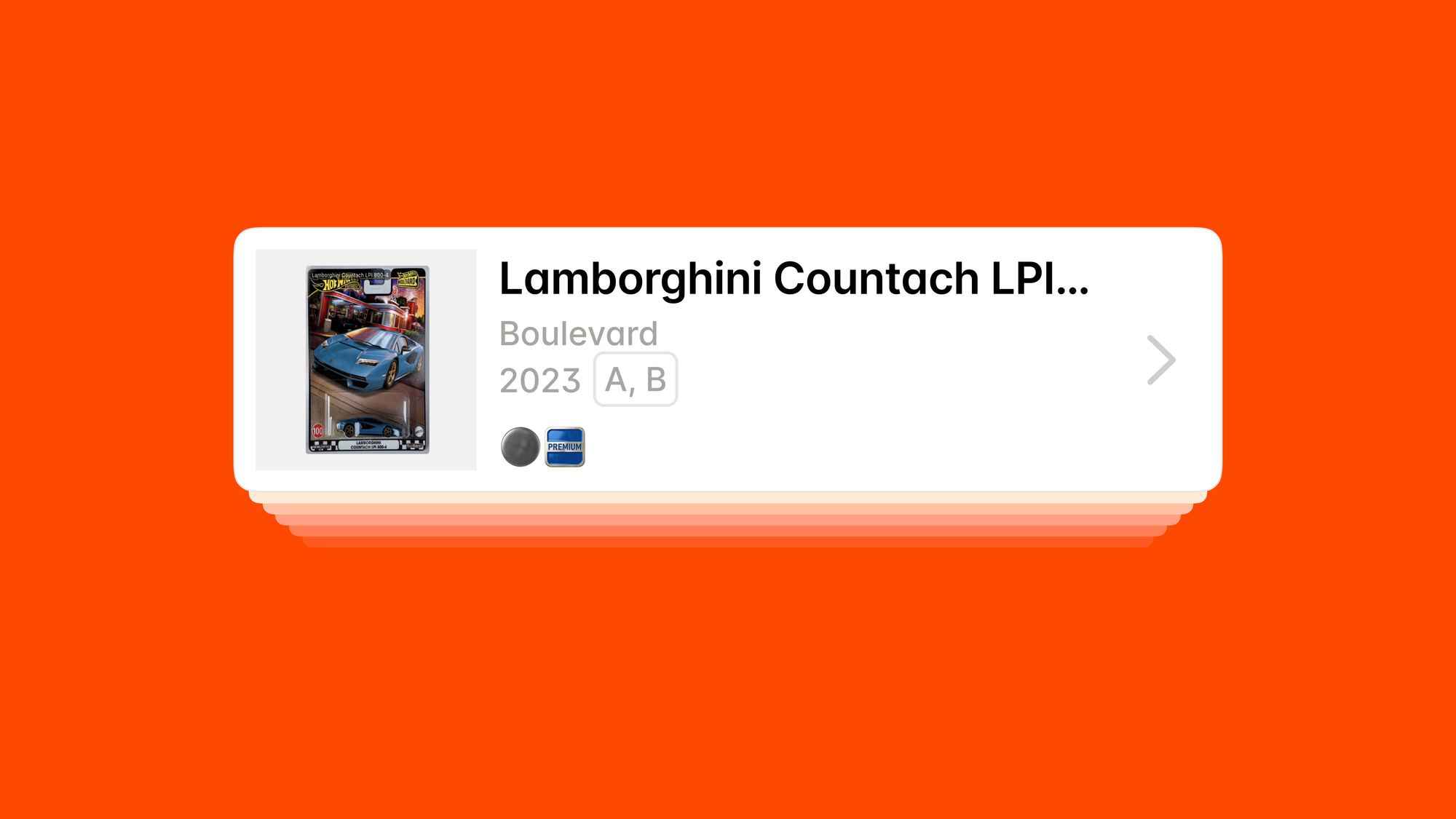
Car Scanner is always within easy reach.
You can launch it by:
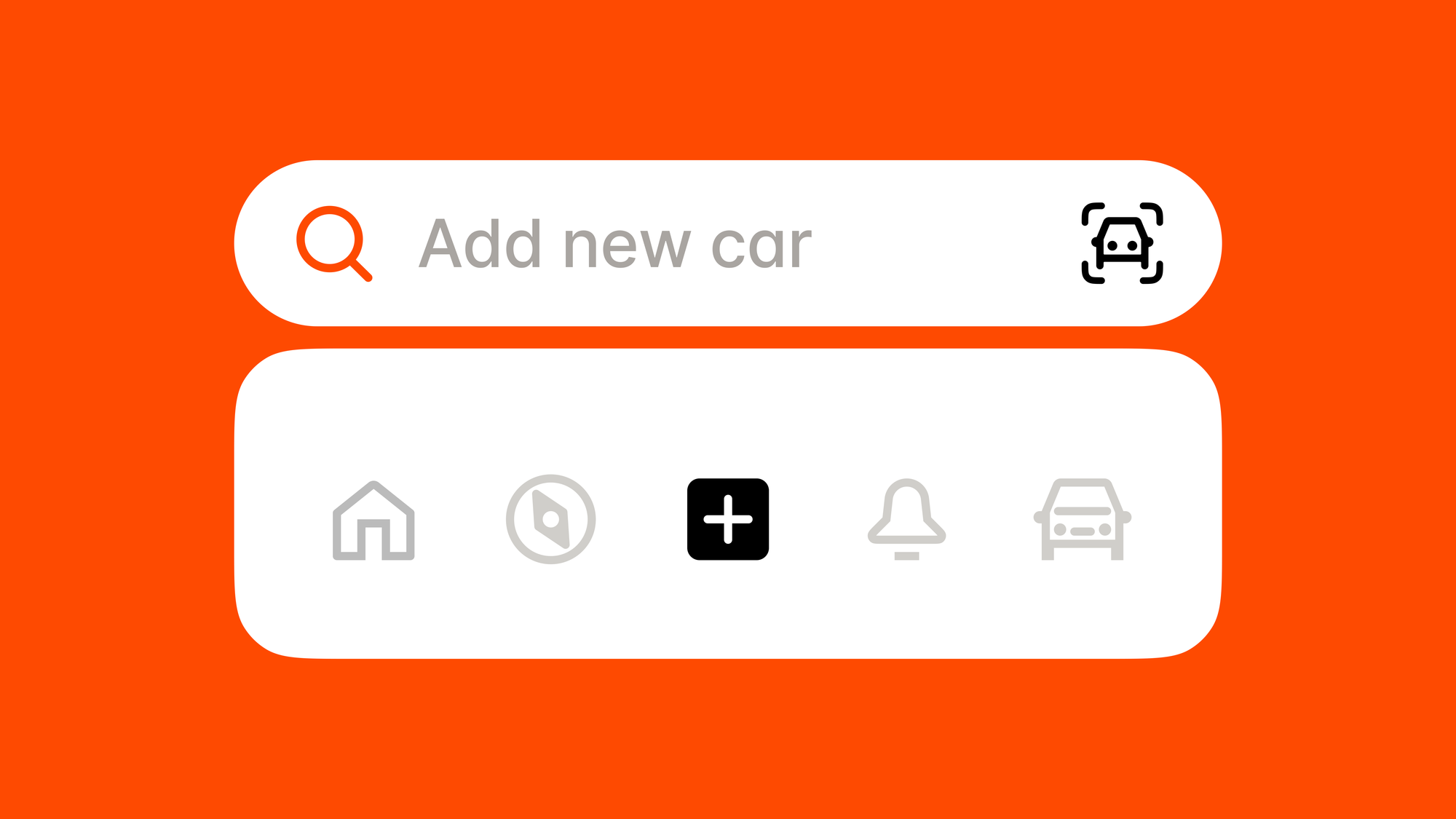
- Long-pressing the + button in the Die Carz app.
- Tapping the scanner icon from any search field.
- On iPhone, long-pressing the Die Carz app icon on your Home Screen to open the scanner instantly.
Less searching. More collecting.
Invite Friends & Unlock Unlimited Scans
To celebrate the launch of Car Scanner, we've introduced a new referral reward.
Share your personal referral link or code with friends. When they join Die Carz, you'll unlock unlimited monthly scans, making it even easier to grow and organize your collection.
Built for the Future of Diecast Collecting
Car Scanner is more than a new feature, it's a faster, smarter way to identify, catalog, and manage your collection.
By combining AI-powered recognition with Die Carz's growing model catalog, we're making collecting more accessible for beginners and more efficient for experienced collectors.
This is only the beginning, and we're excited to continue improving Car Scanner with future updates.
What's Next?
We're always working on new features, improvements, and supported brands to make Die Carz the best app for diecast collectors.
Visit our Public Roadmap to vote for upcoming features, suggest new ideas, and help shape the future of Die Carz app.
FAQ
How does Car Scanner work in the Die Carz app?
Car Scanner lets you take a photo of your diecast model. The app identifies the car in seconds and allows you to add it directly to your collection or wishlist.
What brands are supported by Car Scanner?
Car Scanner works with supported brands available in the Die Carz catalog. Support continues to expand as new brands and models are added.
What is Batch Scanning?
Batch Scanning allows you to scan multiple diecast cars in a row without waiting for each one to be identified. You can review and manage all results after you've finished scanning.
How can I unlock unlimited monthly scans?
You can unlock unlimited monthly scans by inviting friends to Die Carz using your personal referral link or referral code.